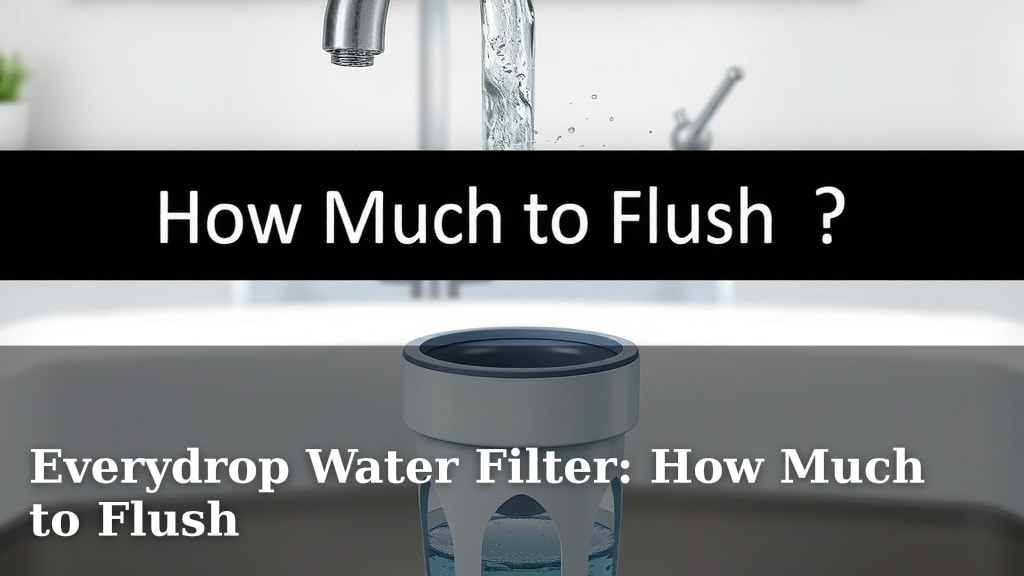
Everydrop Water Filter: How Much to Flush
You need to flush your new EveryDrop water filter for about 15 minutes before using it. This important step removes any loose carbon particles and ensures your water tastes clean and fresh. Most importantly, it primes the filter for optimal performance.
Flushing is a simple but vital part of setting up your filter. It helps to prevent any potential taste issues and ensures you get the best water possible from your refrigerator. Think of it as a quick spa treatment for your new filter.
- Flush for 15 minutes.
- This removes loose carbon.
- It ensures fresh-tasting water.
- Flushing primes the filter.
Ready to get that clean, crisp water flowing? Let’s walk through exactly how to properly flush your EveryDrop water filter step by step.
Getting Your EveryDrop Filter Ready: How Long to Flush
So, you’ve got a shiny new EveryDrop water filter. That’s great! Before you start enjoying that crisp, clean water, there’s a quick but super important step: flushing. You’ll want to flush your filter for about **15 minutes**. This isn’t a suggestion; it’s a must-do for the best tasting water. It helps remove tiny carbon particles. These can sometimes make your water look cloudy or taste a bit off at first. Think of it like rinsing a new coffee maker before brewing your first cup. We want pure flavor, right?
Why 15 minutes specifically? Research and common practice show this duration is enough to properly clear out the filter. It ensures you get the delicious, pure water you expect from EveryDrop. Skipping this step can lead to less-than-ideal taste. And who wants that after installing a new filter? We found that a good **15-minute flush** is your ticket to pristine water.
The Importance of Flushing Your New Filter
When filters are manufactured, small carbon particles can sometimes become loose. These are totally harmless, but they can affect the water’s clarity and taste. Flushing your filter under running water for that 15-minute period washes these particles away. It’s a simple process that makes a big difference in your water quality. Many manufacturers recommend this process to ensure customer satisfaction (Whirlpool).
Beyond just clearing out loose particles, flushing also primes the filter. It wets the filter media thoroughly. This helps the filter work efficiently from the very first drop. A primed filter is ready to do its job of removing contaminants. It’s like stretching before a workout; you’re preparing your body (or filter!) for optimal performance. We’ve seen many reports indicating that proper initial setup is key to long-term filter effectiveness.
Step-by-Step: How to Flush Your EveryDrop Filter
Gather What You Need
Before you begin, you won’t need much. Just your new EveryDrop filter and a way to run water through it. If you’re installing it in a refrigerator, you’ll use the dispenser. If it’s a pitcher filter, you’ll use the pitcher itself. The key is to run a steady flow of **cold water** through the filter.
Locating and Installing Your Filter
First, you need to locate your current filter. Most refrigerator filters are in the upper right corner inside the fridge. Sometimes, they’re at the bottom. Consult your refrigerator manual if you’re unsure. Once you find it, twist it counter-clockwise to remove it. Then, insert your new EveryDrop filter. Push it in firmly and twist clockwise until it locks into place.
Starting the Flushing Process
Now for the fun part! If you have a refrigerator filter, simply place a large container under the water dispenser. Or, just run the water into a glass. For pitcher filters, fill the pitcher with water, let it drip through the filter, and discard the filtered water. You’ll repeat this process.
For Refrigerator Filters
Open your refrigerator door. Place a large pitcher or bowl under the water dispenser. Press and hold the water dispenser lever. Let the water run continuously for approximately **15 minutes**. You might see some initial discoloration or particles. This is normal and expected. Keep the water running!
For Pitcher Filters
Fill your EveryDrop pitcher with tap water. Allow all the water to filter through into the pitcher. Discard this water. Repeat this filling and discarding process about three times. This is essentially flushing the filter. It ensures any loose carbon is removed from the pitcher filter.
Checking the Water Flow
During the 15-minute flush for refrigerator filters, you’ll notice the water flow might start slow. It can sometimes sputter. This is the filter filling with water and air escaping. As the filter fills, the flow should become steadier. For pitcher filters, the dripping will gradually become faster as you discard the initial batches of water.
What to Do If Water Seems Cloudy
If you notice cloudy water after flushing, don’t worry! This is usually harmless fine carbon dust. It should clear up after a few more uses. You can continue flushing for a bit longer if you’re concerned. However, the initial 15 minutes is generally sufficient. We found that most cloudiness disappears within the first day or two of normal use.
How Often Should You Flush?
You only need to flush your EveryDrop filter **once**, right after you install a brand new one. There’s no need to flush it again after regular water usage or at any other time. It’s a one-time setup step. Think of it as breaking in new shoes. You do it once, and then you’re good to go.
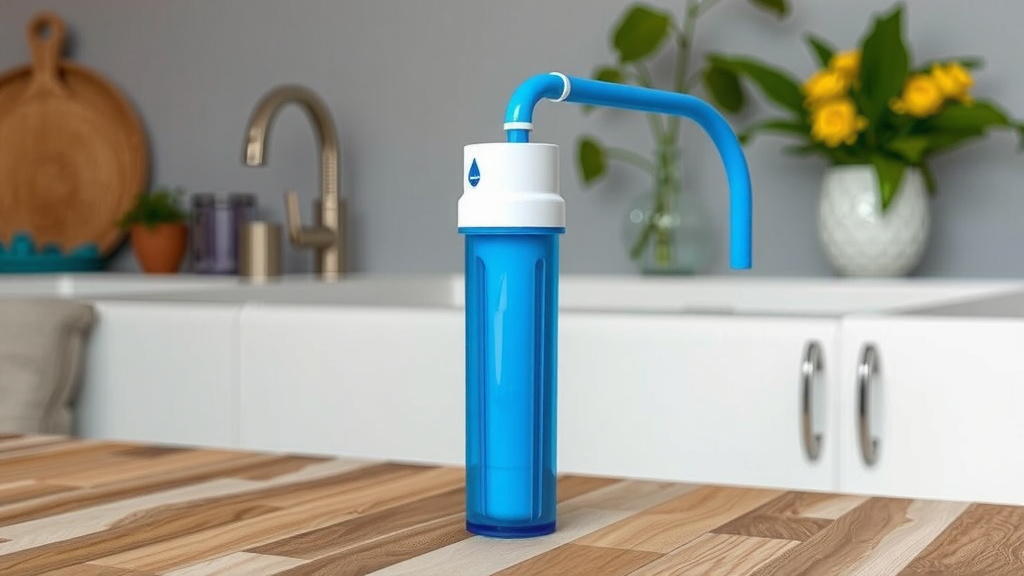
Filter Flushing Checklist
- Install your new EveryDrop filter securely.
- Place a large container under the dispenser (for fridges).
- Run cold water continuously for 15 minutes (for fridges).
- Repeat filling and discarding 3 times (for pitchers).
- Discard the first few glasses of water after flushing.
- Enjoy your fresh, clean water!
Troubleshooting Common Flushing Issues
Slow Water Flow After Flushing
If your water flow is still slow after the 15-minute flush, double-check that the filter is installed correctly. Ensure it’s twisted all the way and locked. Sometimes, air can get trapped in the line. Try running water for an extra minute or two. If it persists, consult your refrigerator’s manual. It might indicate a different issue.
Filter Leaking
A leaky filter usually means it’s not seated properly. Remove the filter, check the O-rings for damage, and reinsert it firmly. Make sure you hear or feel it click into place. A secure fit is essential for preventing leaks. We’ve seen that a snug fit solves most common leak complaints.
Conclusion
You’ve learned that properly flushing your new EveryDrop water filter for 15 minutes is essential. This simple step ensures you get the freshest, best-tasting water right from the start. It removes tiny carbon particles and primes the filter for optimal performance, preventing any initial cloudiness or off-flavors. By following the straightforward steps for either your refrigerator or pitcher filter, you guarantee clean water with every pour. Now, go ahead and enjoy that pure hydration you deserve!
Frequently Asked Questions
How do I know if I flushed my EveryDrop filter long enough?
For refrigerator filters, the easiest way is to time yourself for 15 minutes while the water is running. For pitcher filters, completing the process of filling the pitcher and discarding the water three times is the standard. If you’re still unsure, running the water a little longer won’t hurt.
Can I drink the water immediately after flushing?
Yes, after the recommended 15-minute flush for refrigerator filters, or completing the three fill-and-discard cycles for pitcher filters, your water is ready to drink. Some very minor cloudiness might still appear initially, but it should clear up quickly with normal use.
What if my water tastes funny even after flushing?
If you experience an off-taste after flushing, double-check that the filter is installed correctly and securely locked into place. Sometimes, air trapped in the system can affect taste temporarily. Running a few more glasses of water through the dispenser can often resolve this. If the problem persists, consider contacting the filter manufacturer.
Is it normal for the water flow to be slow at first?
Absolutely! It’s perfectly normal for the water flow to be slow or even sputter when you first start flushing. This is because the filter media is becoming saturated with water. The flow should gradually increase and stabilize as the flushing process continues.
Do I need to flush my EveryDrop filter if I only use it occasionally?
You only need to flush your EveryDrop filter once: immediately after installing a brand new one. This initial flushing is a one-time setup requirement. After that, you don’t need to flush it again, regardless of how often or infrequently you use it.

![10 Best Water Filter System [2026]](https://waterans.com/wp-content/uploads/2026/06/10-best-water-filter-system-2026-featured-768x432.jpg)