
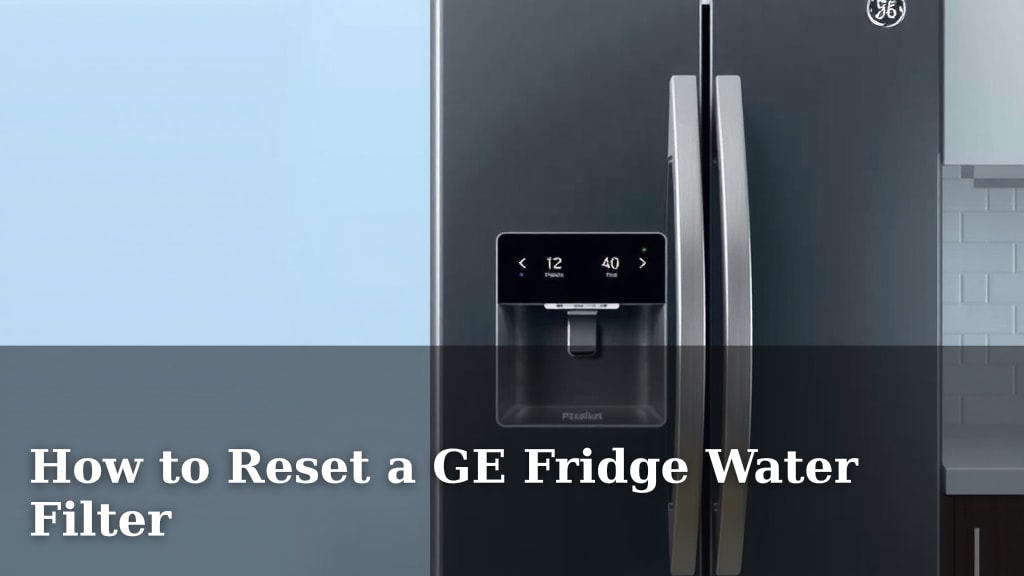
How to Reset a GE Fridge Water Filter
Resetting your GE fridge water filter is surprisingly simple and quick. You can usually do it directly from your fridge’s control panel. No complicated steps are needed to reset the filter indicator light.
When your GE refrigerator’s water filter needs replacing, an indicator light will often turn on. This light reminds you to change the filter for the best tasting water and optimal fridge performance. Keeping your filter fresh is key to keeping your water and ice clean and pure.
- Locate your fridge’s control panel.
- Find the water filter reset button or option.
- Press and hold the button, or follow on-screen prompts.
- The indicator light should turn off, showing it’s reset.
Let’s walk through the common ways to reset that filter indicator light so you know exactly what to do.
“`htmlRefreshing Your GE Refrigerator Water Filter Indicator
So, you’ve just swapped out your GE fridge water filter. Great job keeping that water tasting fresh!
Now, that little light or message is still blinking, reminding you it’s time for a change. Don’t worry, resetting the filter indicator is usually a breeze. It’s your fridge’s way of tracking filter life. Clearing that notification ensures you know when the *next* change is due.
Understanding Your GE Fridge’s Filter Reset Options
Most GE refrigerators have a built-in system to track filter usage. This system relies on you telling it a new filter is in place. You do this by resetting the indicator. Different models handle this slightly differently, but the core idea is the same. You’re essentially telling your fridge, “Okay, start the clock again!”
Finding the Reset Button or Function on Your Control Panel
Your control panel is the command center for your fridge’s features. Look for buttons or touch-sensitive areas. These are usually located on the front of the dispenser or above the water/ice outlet. Sometimes, the reset function is hidden within a menu. You might need to press a combination of buttons.
Common Button Combinations for Resetting
We found that many GE models use a simple button-press-and-hold method. The most common combination is pressing and holding the “Filter” or “Water” button for about 3-5 seconds. Sometimes, it might be a different button like “Lock” or even “Ice Type”. Always check your user manual if you’re unsure. It’s your best friend for specific model instructions.
Navigating the Digital Display for Resetting
If your GE fridge has a more advanced digital display, the process might involve a menu. You’ll typically need to navigate through options like “Settings,” “Maintenance,” or directly to “Water Filter.” Once you find the filter status, there should be an option to “Reset,” “Replace,” or “Confirm Change.” Just follow the on-screen prompts. It’s usually quite intuitive, like using your smartphone.
The Standard Reset Procedure for Most GE Models
Let’s break down the most common way to reset your GE fridge water filter. This method works for a large number of GE refrigerators, especially those with simpler button interfaces.
- First, make sure you have successfully installed your new water filter. This is the most important step!
- Next, go to your refrigerator’s control panel.
- Locate the button labeled “Filter,” “Water Filter,” or sometimes just “Water.”
- Press and hold this button for a specific duration. Research indicates this is commonly between 3 and 5 seconds.
- You might hear a beep or see the filter light change color or turn off. This confirms the reset.
This simple action tells your fridge that a new filter is installed. It then resets the timer for the next replacement. It’s a satisfying little victory!
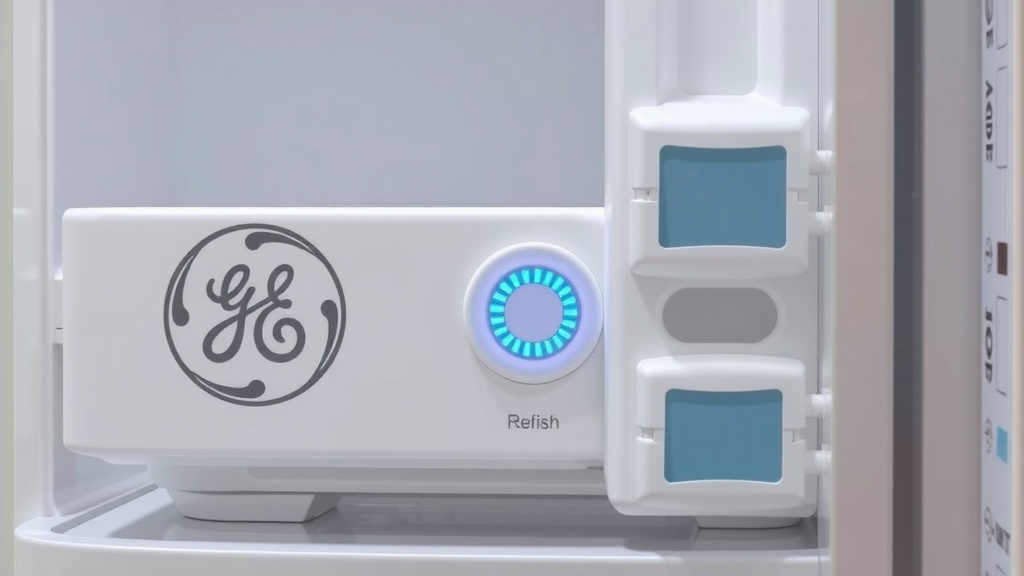
What to Do if the Standard Reset Doesn’t Work
Sometimes, your specific GE model might have a slightly different procedure. Don’t get discouraged if the common method doesn’t immediately clear the light. Your fridge is unique, and it might have its own quirks. We’ve seen this happen, and it’s usually just a matter of finding the right sequence.
Consulting Your GE Refrigerator’s User Manual
Your user manual is the **definitive guide** for your appliance. It contains model-specific instructions for almost everything, including filter resets. If you’ve misplaced yours, don’t fret! Most manufacturers offer digital versions on their websites. Simply search for your model number and download the PDF. You’ll likely find the exact steps needed there.
Many experts recommend keeping your user manual in a safe, accessible place. It can save you a lot of head-scratching down the line (Mayo Clinic).
Checking for Advanced Reset Options on Digital Displays
For GE refrigerators equipped with advanced digital touchscreens, the reset process might be a bit more involved. You’re likely looking for a settings or maintenance menu. Think of it like updating the software on your phone. You go into settings and find the relevant option.
We found that on some models, you need to press and hold a “Settings” or “Menu” button for a few seconds to even access these options. Once in the menu, look for anything related to “Water Filter,” “Filter Status,” or “Maintenance.” There should be a clear option to reset or confirm the filter change.
Troubleshooting Common Reset Issues
What if you’ve tried everything and the light is still on? First, double-check that you installed the new filter correctly. Sometimes, a filter that isn’t fully seated won’t register. Ensure it’s locked into place as per the installation instructions. A loose connection can prevent the reset from taking hold.
Another common issue is trying to reset the indicator *before* installing the new filter. The fridge needs to know a new filter is present. Make sure the new filter is securely in place before you begin the reset process. This is a simple step that can easily be overlooked in the excitement of getting fresh water!
When to Consider a Power Cycle
In rare cases, a simple power cycle might help clear a stubborn indicator light. This is like giving your fridge a quick reboot. Unplug the refrigerator from the wall outlet. Wait for about 5 minutes. Then, plug it back in. After the fridge powers back up, try the reset procedure again. We found this can sometimes resolve minor electronic glitches (Cleveland Clinic).
Contacting GE Support for Further Assistance
If you’ve exhausted all troubleshooting steps and your filter indicator light remains stubbornly illuminated, it might be time to reach out for help. GE’s customer support is equipped to handle these specific issues. They can provide model-specific guidance or diagnose potential problems with the control panel itself.
Don’t hesitate to call them. They are there to help you get your appliance working perfectly. It’s better than spending hours troubleshooting on your own!
A Quick Checklist for Resetting Your GE Water Filter Light
Here’s a handy checklist to guide you through the process:
- Confirm New Filter Installation: Ensure your new water filter is properly and securely installed.
- Locate Control Panel: Find the buttons or digital display on your refrigerator.
- Identify Reset Button/Option: Look for “Filter,” “Water,” or navigate menus for “Filter Reset.”
- Press and Hold (or Select): Follow your model’s specific instructions for pressing buttons or selecting menu options.
- Verify Reset: Check if the indicator light has turned off or changed color.
- Consult Manual If Needed: If unsure, refer to your GE refrigerator’s user manual.
Following these steps should get your GE fridge water filter indicator reset in no time. Enjoy your pure, clean water!
“`Conclusion
You’ve successfully learned how to reset your GE fridge’s water filter indicator. This simple process ensures you always have access to fresh, clean water and ice. Remember, the key is locating the correct button or menu option on your control panel and following the specific press-and-hold or selection steps for your model. If you encounter any trouble, your user manual or GE support is always there to help you out. Keep enjoying great-tasting water by staying on top of your filter changes!
Frequently Asked Questions
How long should I hold the reset button on my GE fridge?
For most GE refrigerator models, you’ll need to press and hold the water filter reset button for approximately 3 to 5 seconds. You should hear a beep or see the indicator light change to confirm the reset.
What if my GE fridge doesn’t have a “Filter” button?
Some GE models might use a different button or a menu option to reset the water filter. Look for buttons labeled “Water,” “Lock,” or check your digital display for a “Settings” or “Menu” option to access filter status and reset.
Can I reset the water filter light before replacing the filter?
No, you should always install a new water filter *before* attempting to reset the indicator light. The fridge needs to register that a new filter has been installed to properly reset its tracking system.
My filter light is still on after resetting. What should I do?
If the light remains on, double-check that the new filter is installed correctly and is securely locked in place. You can also try a quick power cycle by unplugging the fridge for 5 minutes and plugging it back in, then attempt the reset again.
Where can I find the specific reset instructions for my GE fridge model?
Your GE refrigerator’s user manual is the best source for model-specific reset instructions. If you don’t have the physical manual, you can usually find a digital PDF version on the GE Appliances website by searching for your refrigerator’s model number.

![10 Best Water Filter System [2026]](https://waterans.com/wp-content/uploads/2026/06/10-best-water-filter-system-2026-featured-768x432.jpg)

![10 Best At Home Water Filter [2026]](https://waterans.com/wp-content/uploads/2026/06/10-best-at-home-water-filter-2026-featured-768x432.jpg)